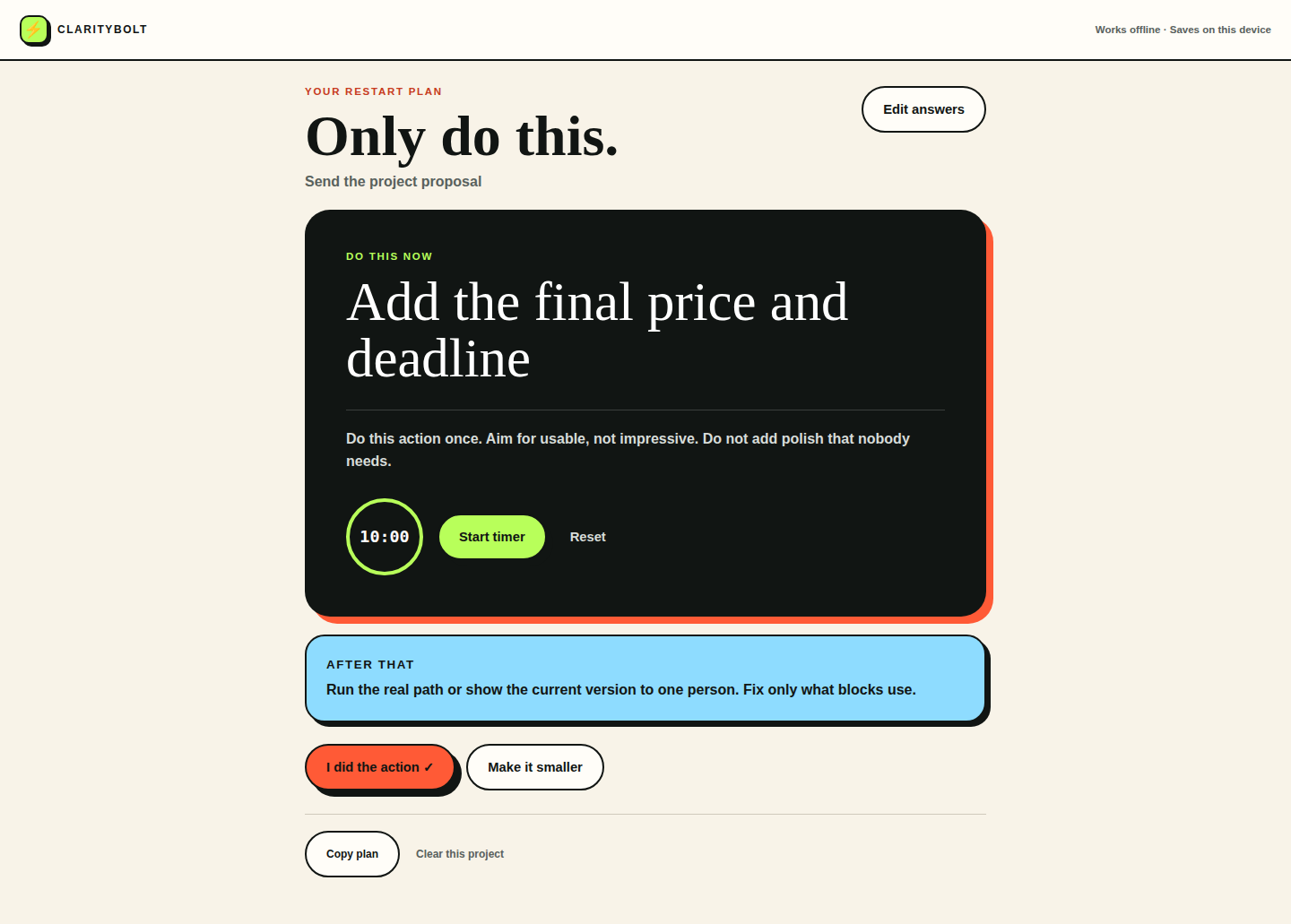
For one stalled project
Restart Rescue
Answer three short questions and turn a stuck project into one small, physical next action with a 10-minute start.
One-time purchase
$9
ADHD-friendly offline rescue tools
Choose what is stuck—a project, your workday, or one room. ClarityBolt gives you one small next step, a short timer, and a visible finish line.
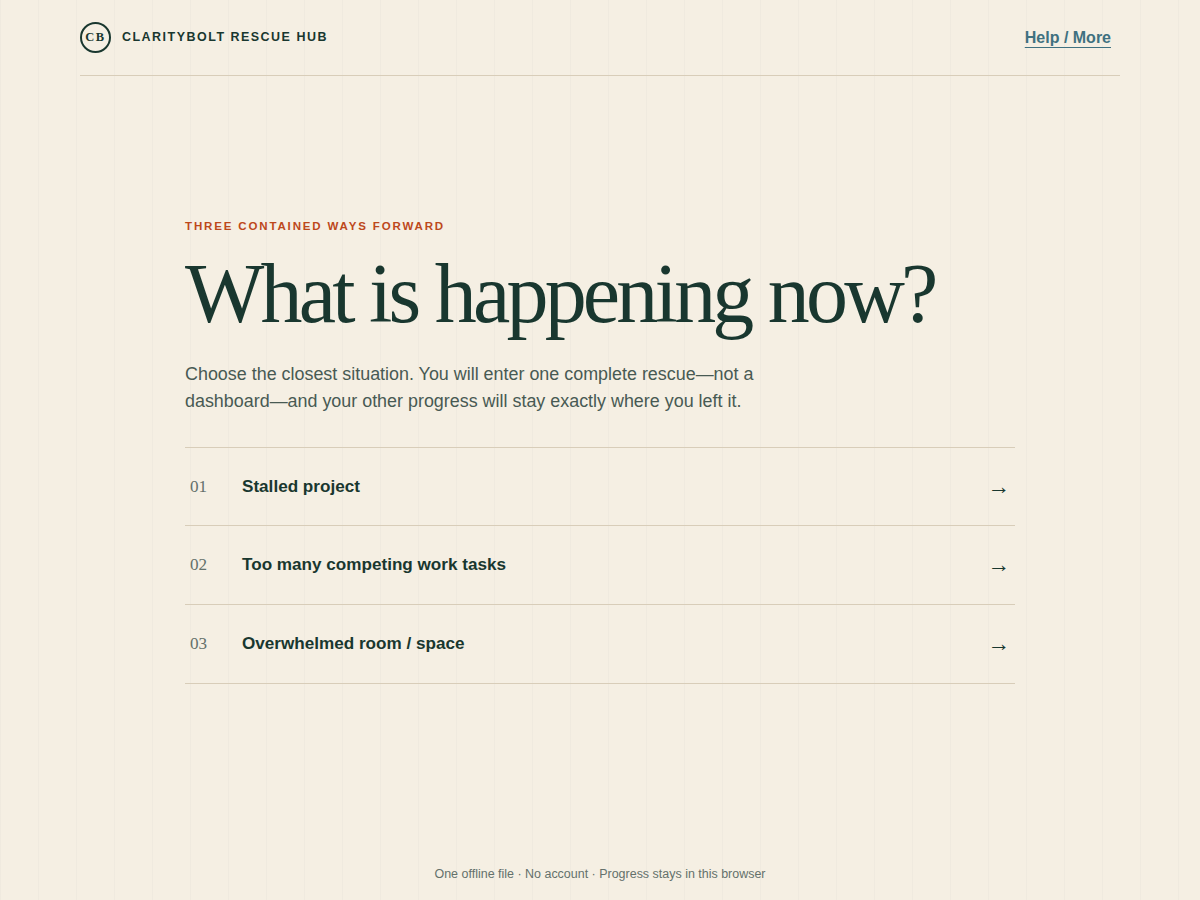
All three rescue paths in one file
One-time
$20
What ClarityBolt does
Choose one project, one overloaded workday, or one room—not your whole life.
Get a concrete next move and make it smaller if your energy is low.
Use the built-in timer and finish with visible proof of what moved.
Choose the problem you have today
Each rescue is a one-time $9 download. Open the file in your browser whenever that stuck moment shows up.
For one stalled project
Answer three short questions and turn a stuck project into one small, physical next action with a 10-minute start.
One-time purchase
$9
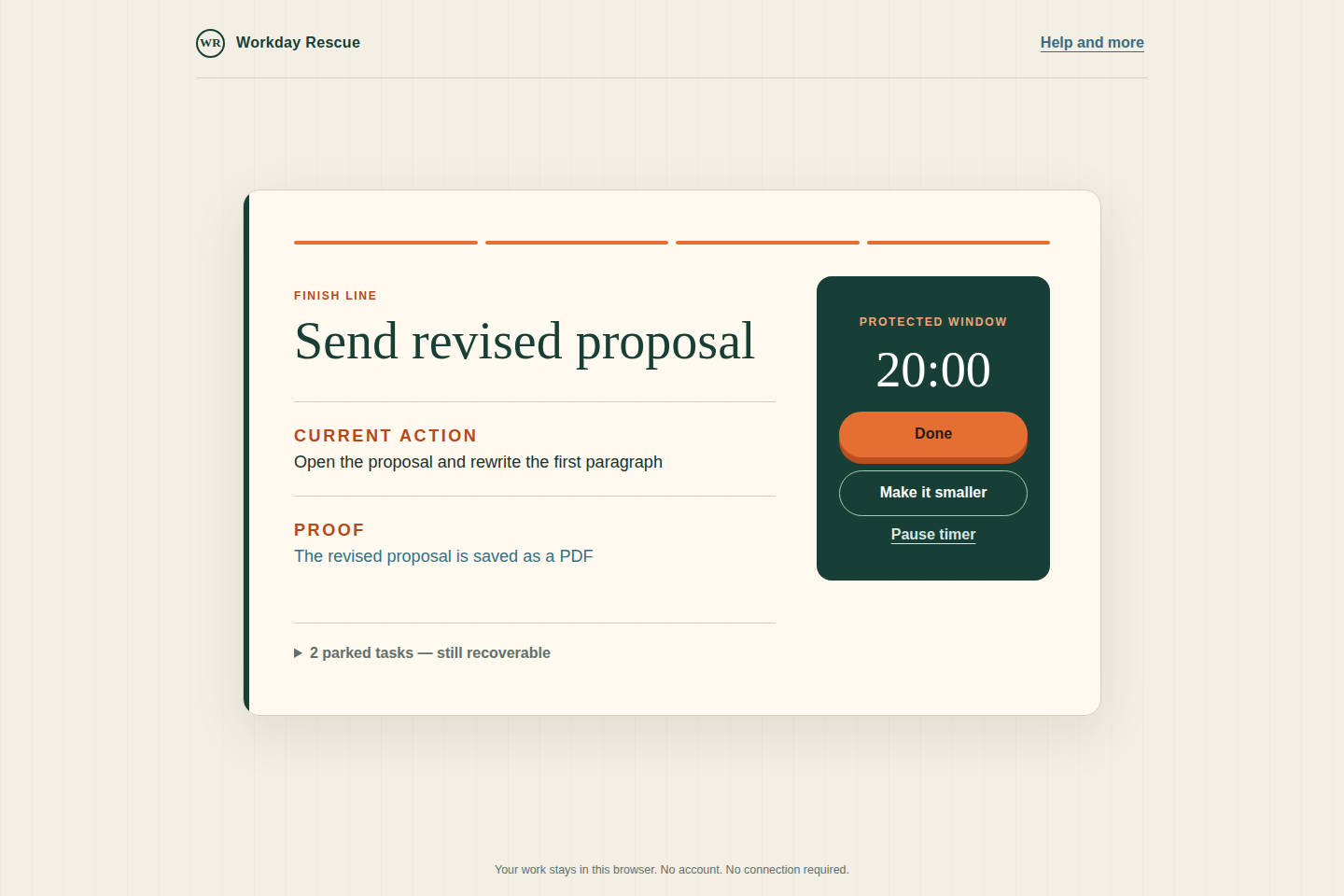
For a tangled workday
Empty the tasks pulling at you, choose one must-move finish line, protect a short window, and leave visible proof.
One-time purchase
$9
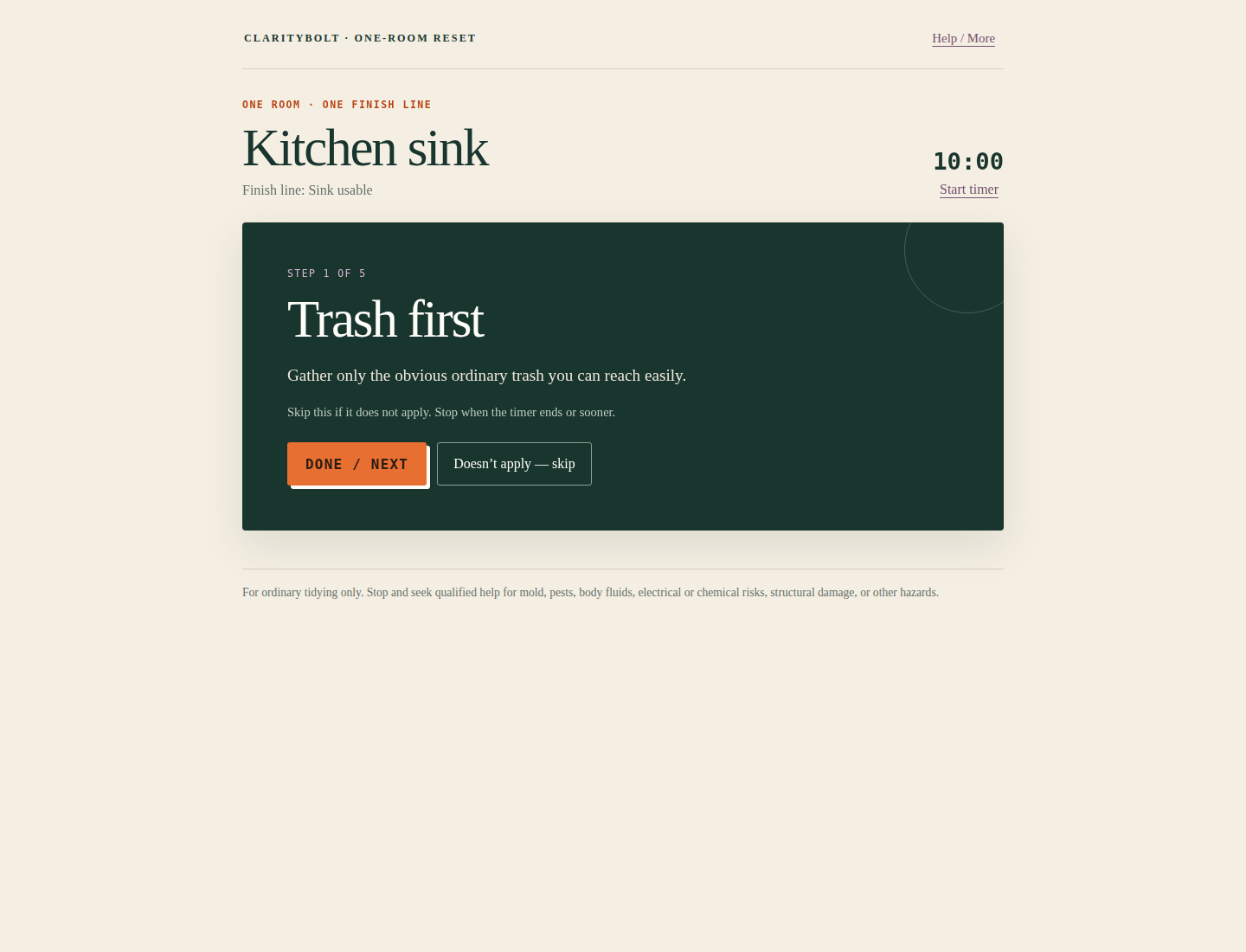
For one ordinary overwhelmed space
Choose one room or small area, define what usable means, and follow one ordinary tidying action at a time.
One-time purchase
$9
Different kind of stuck on different days?
The Rescue Hub includes the complete Restart, Workday, and One-Room tools in one offline file. Choose the situation you are in and enter only that path.
One-time purchase
$20
Try ClarityBolt before you buy
Use a free tool, take the two-minute quiz, or read a practical guide. No account required.
New practical guide
Free · about 5 minutes
When Monday did not go cleanly, Tuesday can feel like proof the whole week is already off track. Use a short ADHD-friendly recalibration to keep the week from becoming one long recovery spiral.
Read the newest guidePractical help by email
Get new ClarityBolt tools, practical guides, and occasional launch discounts. No daily email. No complicated system to keep up with.
Unsubscribe anytime. See our Privacy Policy.