
The ADHD Parking Lot: How to Stop Random Thoughts from Hijacking Work

A lot of ADHD distraction is not random. It is unparked thinking.
You start one task. Then your brain throws out five more:
- text that person back
- look up that tool
- fix the closet shelf
- write down the business idea
- check one “quick” tab
None of those thoughts are fake. But if each one becomes a live assignment, the real task disappears.
That pattern keeps showing up in ADHD discussions for a reason. People are not short on ideas. They are short on a safe place to put them.
The problem is not the thought
The problem is treating every thought like it needs action right now.
That creates constant switching. And switching is expensive.
Even good ideas can wreck momentum when they arrive at the wrong time. A smart brain still needs traffic control.
Use a parking lot, not a mental promise
Do not tell yourself you will remember later. That is a trap.
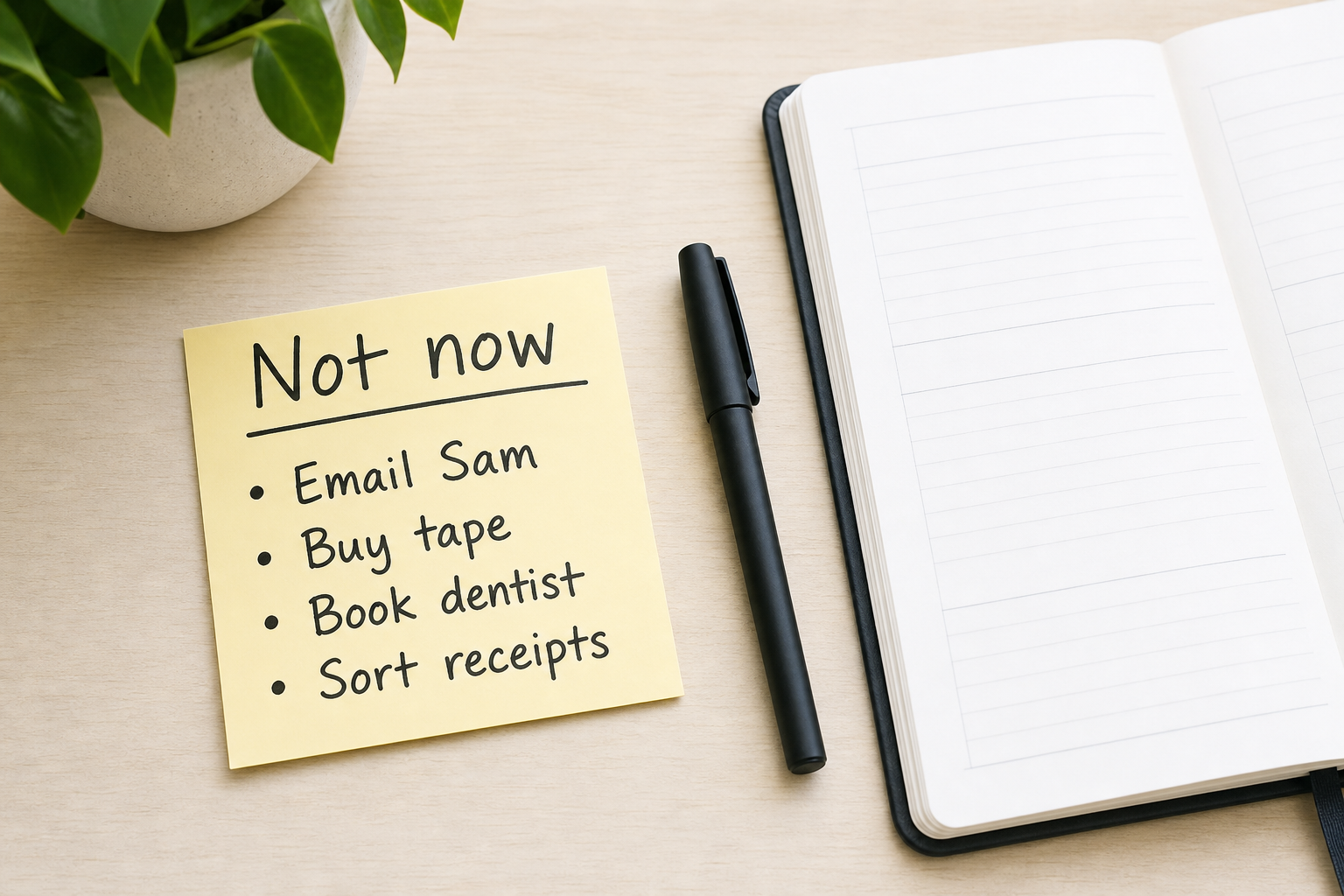
Give stray thoughts one legal place to land:
- one notes app page
- one sticky note
- one paper corner
- one inbox section inside your planner
The rule is simple: If the thought is real but not for now, park it.
That means you do not have to solve it. You only have to capture it.
Make capture stupidly fast
Your parking lot should take seconds, not minutes.
Good capture lines look like this:
- email Sam about pricing
- test better morning playlist
- fix desk cable mess
- blog idea: transition fatigue
Short beats perfect. You are saving the thought, not finishing the project.
Return to the original lane
After you park the thought, go back to the exact next step you were doing. Not the whole project. The next visible step.
That might be:
- finish this paragraph
- send this file
- clear these three dishes
- answer this one email
The parking lot protects momentum because it stops every idea from turning into a side quest.
Try this today
Before your next work block, open one capture spot. Name it “Not now.” Then use it every time your brain throws a new idea at you.
You do not need fewer thoughts. You need a safer place to put them.
If you want extra structure, the ClarityBolt quiz can point you toward the kind of support system that fits your brain:
https://www.claritybolt.com/quiz
And if you want a planner that gives loose thoughts and next actions separate homes:
try the tool
Ready to try Mission Control?
A dark-themed daily dashboard for Excel and Google Sheets. $24.99.
See everything included before you buy