
The ADHD Time Check: Make the Clock Visible Before the Day Slips
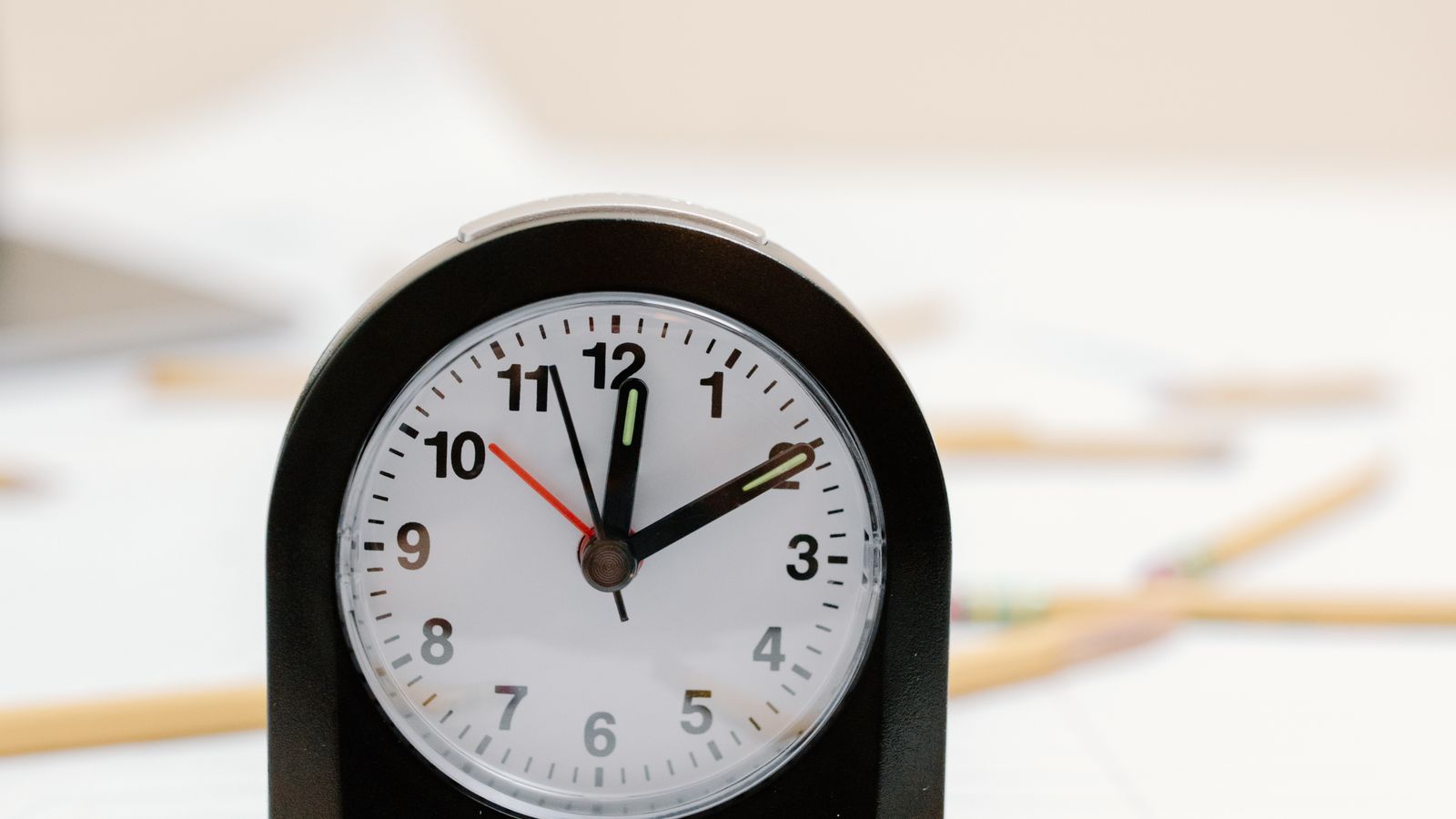
ADHD time blindness does not always feel like being late.
Sometimes it feels like a day that never quite becomes real.
You know there is a meeting later. You know the errand matters. You know the task should take “not that long.” But the day stays fuzzy until suddenly it is 3:40, your body is tense, and every task is yelling at once.
The fix is not to become a calendar person overnight.
Start with one small time check.
Not a full schedule. Not a perfect block plan. Just a way to make the clock visible before your brain starts spending time it has not counted.
The reset
Before you start the next chunk of the day, write three things:
- What time is it now?
- What is the next fixed thing?
- What fits before then?
That is it.
This works because ADHD brains often plan from feeling, not from visible time. If a task feels simple, it gets assigned a fake ten minutes. If a task feels scary, it becomes the whole day. If nothing is written down, every open loop competes for the same invisible hour.
A time check gives the day edges.
Step 1: write the real time
Look at the clock and write the actual time.
Not “late morning.”
Not “after lunch.”
Write: “10:42.”
That tiny act matters. It pulls the day out of fog and into a number your brain can work with.
- Now: 10:42
- Next fixed thing: call at 12:00
- Available: about 70 minutes
Do not optimize yet. Just make the shape visible.
Step 2: name the next fixed thing
A fixed thing is anything the day will not move around for you.
Examples:
- a meeting;
- school pickup;
- a call;
- a delivery window;
- an appointment;
- dinner;
- bedtime;
- the point where your energy usually drops.
ADHD planning gets messy when every task is treated like it can float forever. Fixed things are anchors. They tell you what kind of time you actually have.
If the next fixed thing is close, the answer might be a tiny task.
If it is far away, the answer might be one real work block plus a reset.
Either way, you stop pretending the whole day is available.
Step 3: choose what actually fits
Now pick one thing that fits the time you really have.
Use this rule:
If you have 10 minutes, choose a doorway task.
A doorway task gets you closer without demanding completion.
Examples:
- open the document;
- find the login;
- put the bill beside your laptop;
- answer the yes/no text;
- move the laundry to the washer;
- write the first sentence;
- clear only the chair, not the whole room.
If you have 30 to 60 minutes, choose one contained task.
Contained means you can tell when the block is over.
Examples:
- draft the email, not “catch up on email”;
- sort the first five papers, not “organize paperwork”;
- outline the page, not “finish the project”;
- make the grocery list, not “fix the week.”
If you have more than an hour, still choose a stopping point before you start. ADHD brains can lose the edge of a block fast. Decide where you will pause.
A quick script
Use this when the day starts slipping:
“Right now it is ____.
The next fixed thing is ____.
Before then, I can do ____.
The stop point is ____.”
That is enough structure to begin.
Why this helps
Time blindness gets worse when time stays abstract.
Your brain tries to hold the task, the deadline, the transition, the energy cost, the errands, the guilt, and the “I should be faster” commentary all at once.
No wonder the day feels impossible.
A time check separates the pieces:
- clock truth;
- fixed anchor;
- available space;
- one honest next move.
You are not trying to schedule your whole life. You are making the next piece of the day visible enough to use.
Try it once today
Pick the next transition point.
Before you move into it, write:
- Now:
- Next fixed thing:
- What fits:
- Stop point:
Then do only that.
Time does not have to feel natural before you can use it.
It just has to be visible enough for the next move.
Make the clock visible before the day starts guessing
Time blindness gets worse when time stays abstract. The day can feel like there is plenty of room until suddenly the room is gone. A time check works because it turns the invisible container into something your eyes can argue with less.
Do not use the clock as a scolding device. Use it as a map. The point is to see what is actually left, choose one honest block, and stop letting the schedule live only in your head.
Put the current time where the task is happening
Start by making the clock unavoidable at the point of action. Put the phone face up, open the calendar beside the work, set a kitchen timer, write the current time on paper, or place an analog clock in your line of sight.
Hidden time is not neutral. If checking the time requires unlocking a phone, switching apps, or remembering to look away from the task, your brain has to spend executive function just to find the container.
Name the next hard edge
The next hard edge is the thing that will happen whether you feel ready or not: a call, pickup, medication, dinner, bedtime, a deadline, an errand window, or the moment you have to leave.
Write it in plain language: leave at 2:40, call at 3, start dinner by 5:30, shutdown at 8:45. A visible edge keeps the day from acting like one endless stretchy block.
Subtract the transition before choosing the task
If you have 50 minutes until the edge, you probably do not have 50 task minutes. Subtract the transition first: save the file, find shoes, gather the bag, use the bathroom, send the status note, clear the counter, or switch rooms.
This makes the plan kinder and more accurate. A 50-minute gap may become one 30-minute work block plus a 10-minute landing strip. That is not failure. That is the real container finally showing up.
Choose one task that fits the visible block
Once the block is honest, choose a task small enough to finish or leave cleanly. Open the draft and write one section. Clear the counter surface. Pay one bill. Send the short reply. Put the laundry in, not away.
If the task cannot fit, shrink it until it leaves useful evidence. The clock is not telling you to hurry. It is telling you what size of move the day can actually hold.
Leave a checkpoint, not a vague hope
Before starting, choose the next time you will look again: in 15 minutes, at the half hour, before the call, after the timer ends, or when the song finishes. Put that checkpoint where you can see it.
This stops the time check from becoming a one-time glance. ADHD time support works better when the day has visible rails instead of one big promise to remember later.
Make the first check embarrassingly easy
The first time check should not require a perfect routine. Use the nearest visible tool: the microwave clock, a sticky note, the car dashboard, the lock screen, a timer cube, or one written line at the top of the page.
Easy matters because time blindness often wins during the gap between noticing and setting up. If the clock needs a whole system before you can use it, the day may slip again before the system exists.
Write the block size beside the clock
Seeing the current time is useful, but seeing the usable block is better. Write the math in one plain line: 9:20 now, call at 10, 30 usable minutes. The number should be visible before you pick the task.
This keeps your brain from negotiating with a vague feeling of plenty. A visible block size makes the next move easier to size, pause, or postpone without turning it into a personal failure.
Use an alarm for the edge, not every minute
Too many alarms can become background noise. Choose one alert for the edge that matters most: ten minutes before leaving, five minutes before pickup, or the moment the work block needs to land.
Name the alarm by action if your device allows it. Leave shoes. Save draft. Start dinner. A labeled alarm gives your brain a next move instead of only announcing that time happened.
Leave the next glance in the task path
Put the next time cue where your hands or eyes already have to go. A note on the laptop palm rest, timer beside the sink, calendar left open next to the draft, or clock near the laundry basket reduces the need to remember the check.
The goal is not constant monitoring. The goal is fewer surprise cliffs. When the next glance lives in the path of the task, time becomes part of the environment instead of another thing to hold in working memory.
If time keeps stretching during planning, use the 10-minute reality check. If the problem is tomorrow's first edge, use the landing strip. If the next task still feels too large for the block, use the microscopic next step.
choose the help that fits
When reading is not enough, take one contained next step.
Use Restart Rescue for a stalled project, Workday Rescue for a tangled day, One-Room Reset for one overwhelmed space, or the $20 Rescue Hub for all three.
Prefer to watch? Visit ClarityBolt on YouTube