
The 90-Second Reset That Stops Desk Chaos From Spreading
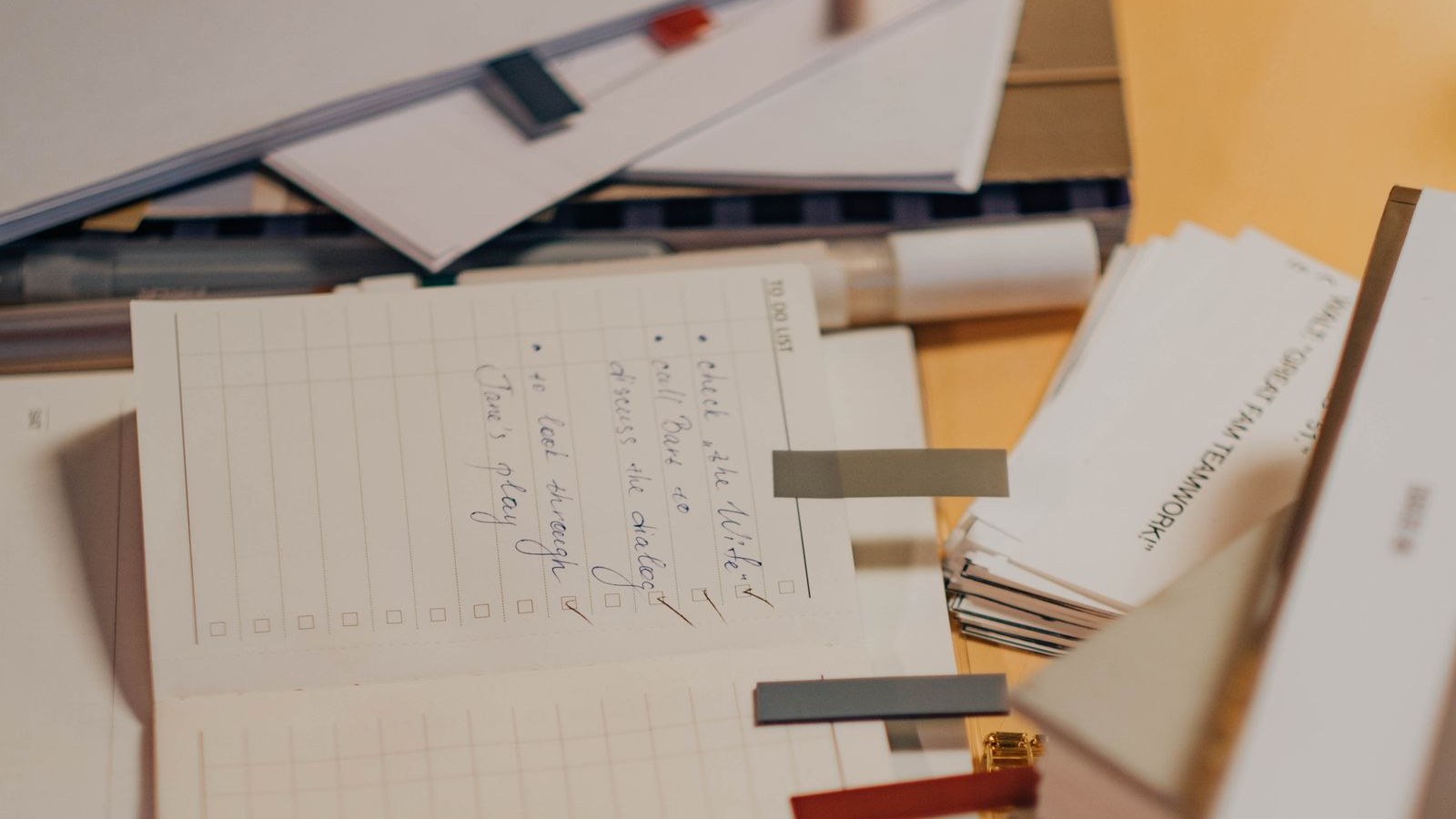
A messy desk is not always a cleaning problem.
A lot of the time, it is an attention problem.
One opened envelope. One cup. One charger. One sticky note. One half-finished pile.
Then your brain starts trying to track all of it at once. Not because every item matters, but because visible clutter keeps asking for a decision.
Why a fast reset works better than a full clean
ADHD brains often stall when the reset feels too big. If the goal becomes “get everything perfectly organized,” the whole thing turns into another avoided task.
That is why the 90-second version works. You are not deep cleaning. You are cutting off the spread.
Try this:
- Throw away obvious trash.
- Stack loose papers into one pile.
- Return one object to its home.
- Clear the exact space where the next task will happen.
The goal is visual calm, not household perfection
You do not need the whole room fixed. You need one surface that stops yelling at your brain.
That small visual reset can make it easier to answer one email, pay one bill, finish one paragraph, or start the task you were avoiding.
A cleaner desk will not solve everything. But less visual noise can lower the friction enough to get moving again.
Make the reset small enough to finish
The trap with desk chaos is that your brain quietly upgrades one stuck work surface into an entire life audit. You start with a coffee cup and somehow end up deciding whether every notebook, receipt, and charger should still exist.
That is too much decision load for a moment when you are already trying to restart. A 90-second reset works because it gives the mess one job: stop blocking the next useful move.
Use three passes, not one big clean
Set a short timer and move through the surface in this order.
- First pass: remove anything that is obvious trash.
- Second pass: make one temporary stack for loose papers, mail, receipts, or notes.
- Third pass: clear the rectangle where your hands, keyboard, notebook, or plate needs to go.
Do not sort the paper stack yet. Do not open every envelope. Do not decide where each stray item permanently belongs. Those are separate tasks, and they can wait until the work surface is usable again.
Give the pile a next check
A temporary stack only works if it has a return point. Write one plain label on a sticky note or the top sheet: check after lunch, check at shutdown, or check tomorrow at 10.
This keeps the reset from becoming a hiding system. You are not pretending the loose items disappeared. You are containing them so they stop interrupting the task in front of you.
Stop when the next action has a place to land
The finish line is not a beautiful desk. The finish line is a usable desk.
When the next email, invoice, draft, homework page, or meal prep step has enough room to happen, the reset did its job. Anything beyond that is optional.
Define the no-sort boundary before you move anything
A short desk reset fails when it quietly becomes sorting, archiving, or redesigning the whole workspace. Decide the boundary before your hand touches the first object: trash leaves, loose paper stacks, and the work rectangle opens. Everything else waits.
If you find something that needs a real decision, park it in the temporary stack with one verb: file, pay, answer, scan, return, or ask. Do not solve it during the 90 seconds. The reset is there to reopen the task, not to make every object earn permanent housing.
Restart the work while the surface is still plain
Use the first minute after the reset for contact with the original task. Open the document, place the notebook in the clear space, write the subject line, or pull up the invoice row. The cleared surface should immediately become a work surface again.
This prevents the clean patch from turning into a display area for more decisions. A reset that ends with one useful task open is stronger than a reset that ends with a better-looking desk and no next move.
Keep a tiny desk reset kit nearby
Make the good path easy before the next messy moment arrives. Keep a small trash bag, one blank note card, a pen, and a single catch tray near the place where clutter usually blooms.
The kit is not there to make you more organized as a personality trait. It is there so the reset does not require a scavenger hunt. Trash has somewhere to go. Loose notes have one temporary landing spot. The next action gets written before the pile turns back into background noise.
If you only change one thing today, make the first reset step visible from your chair. ADHD-friendly systems work better when the tool is already in reach at the moment friction shows up.
Use a parking corner for anything that still has a question
Some desk clutter sticks because every object carries a tiny question. Is this receipt needed? Does this note belong in the project? Should this charger stay here? Those questions are real, but they do not deserve to own the whole reset.
Pick one small corner, tray, or upright folder as the question zone. Anything that needs thinking goes there with the visible label still facing up. You are separating question items from action space, not pretending they are handled.
When the work block is over, give the question zone one decision pass. Keep, file, pay, answer, return, or trash. If you cannot choose in one pass, write the next check time on top and stop reopening the debate every time your eyes cross the pile.
Make the reset prove itself in the next five minutes
The strongest proof that the reset worked is not a photo-worthy desk. It is the next five minutes feeling less slippery. Before you stand up, do one tiny piece of the original task in the clear space.
Reply with one sentence, write the first line, put the bill beside the laptop, open the homework tab, or place the object you need directly in front of you. That small contact tells your brain the desk reset was a bridge back to work, not a side quest.
If the surface starts filling again later, repeat only the three passes. Do not punish yourself by expanding the job. A reset that can be repeated on a normal messy day is more useful than a dramatic cleanup you avoid for two weeks.
Separate daily-use items from someday items
A desk often gets loud because daily-use items and someday items share the same surface. Keep the pen, notebook, charger, water, medication, or current folder within easy reach. Move books, old receipts, extra cables, and idea scraps into a side stack with a return time.
This is not a permanent organizing decision. It is a visibility decision. The desk should show the work you are returning to, not every object that might matter later.
Use one closed container for loose extras
If the reset keeps failing because loose objects have nowhere to go, give them one closed container for the rest of the block. A small bin, envelope, drawer, or tray is enough. Label it with the next review time before anything goes inside.
The closed container matters because open piles keep negotiating for attention. When the extras are contained, the task surface can stay visually quiet long enough for the original work to restart.
Leave a breadcrumb for the next reset
Before you call the desk usable, write one tiny breadcrumb for the next time the surface gets messy: trash first, stack paper, clear keyboard space, or open invoice row. Put it where you will see it before the next reset starts.
The breadcrumb prevents the next messy moment from becoming a fresh decision tree. You are giving future-you the first move while the system is still working.
Keep the timer honest with a visible stop cue
The 90-second limit works only if it has an end. Put the timer where you can see it, and decide what happens when it rings before the reset starts: hands off the pile, original task back on the cleared surface, and any unfinished sorting parked for the next check.
This matters because time-blind cleanup can feel productive while it quietly steals the whole work block. A visible stop cue protects the reset from becoming the new avoidance task.
Protect the clear rectangle after the reset
Once the task surface is open, treat that rectangle as reserved space for the next action only. Do not let a water bottle, opened mail, folded laundry, or the temporary stack drift back into it while you are deciding what to do next.
If something tries to land there, move it to the question zone or closed container without renegotiating the whole system. The clear rectangle is not decoration. It is the runway for the task you were trying to restart.
Use one sentence to close the reset loop
Before your attention leaves the desk, say or write one plain sentence: desk reset done because the invoice is open, desk reset done because the keyboard is clear, or desk reset done because the notebook is in front of me.
That sentence gives your brain completion evidence. Without it, the reset can still feel unfinished because the room is not perfect. With it, the job has a clear receipt and the next action gets to be the main event again.
If clutter is mostly loose thoughts and reminders, use the ADHD parking lot. If the mess is really old open loops, use the doom pile next-move reset. If the room is overwhelming beyond the desk, use the One-Room Reset.
choose the help that fits
When reading is not enough, take one contained next step.
Use Restart Rescue for a stalled project, Workday Rescue for a tangled day, One-Room Reset for one overwhelmed space, or the $20 Rescue Hub for all three.
Prefer to watch? Visit ClarityBolt on YouTube